
How to Create Photobooth Photos with AI Gemini for Free and Instantly Join the Trend
By German73
7/3/2025
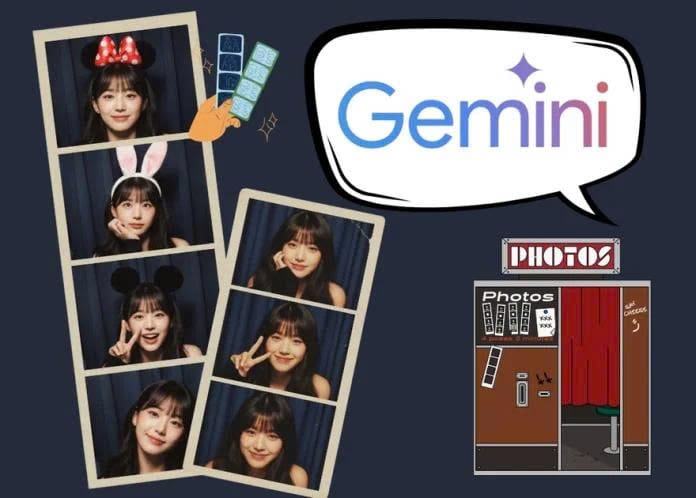
You no longer need to wait in line or spend money at photobooth studios to get trendy photo strips. Now, you can easily create photobooth photos using Google Gemini right at home. With just a clear selfie and a few simple prompts, Gemini can generate a professional-looking photobooth strip that looks just like it was taken in a real studio.
In this guide, we’ll show you how to quickly create AI photobooth photos and provide several useful prompts you can try.
Prompts to Create Photobooth Photos with AI Gemini
Before starting, prepare a clear selfie without filters and with good lighting so the AI can recognize your face accurately. Once your photo is ready, you can use the prompts below depending on the style you want.
Retro Photobooth Style Prompt
Prompt for female:
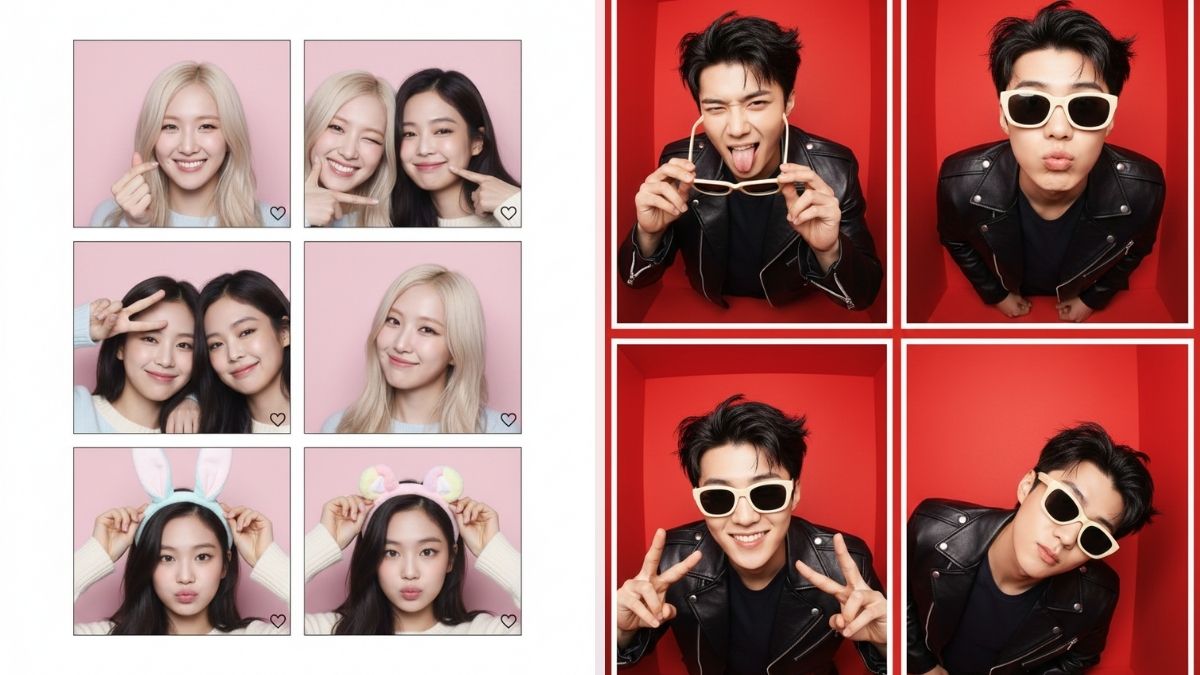
Keep the face exactly the same as the original image. Create a vertical photobooth strip with 4 frames in a classic retro style, with warm brown tones, soft lighting, slightly faded edges, and high resolution.
Expressions include: gentle smile – wink hello – blowing a kiss – bright smile covering the mouth.
Important: vertical layout with 4 frames.
Prompt for male:
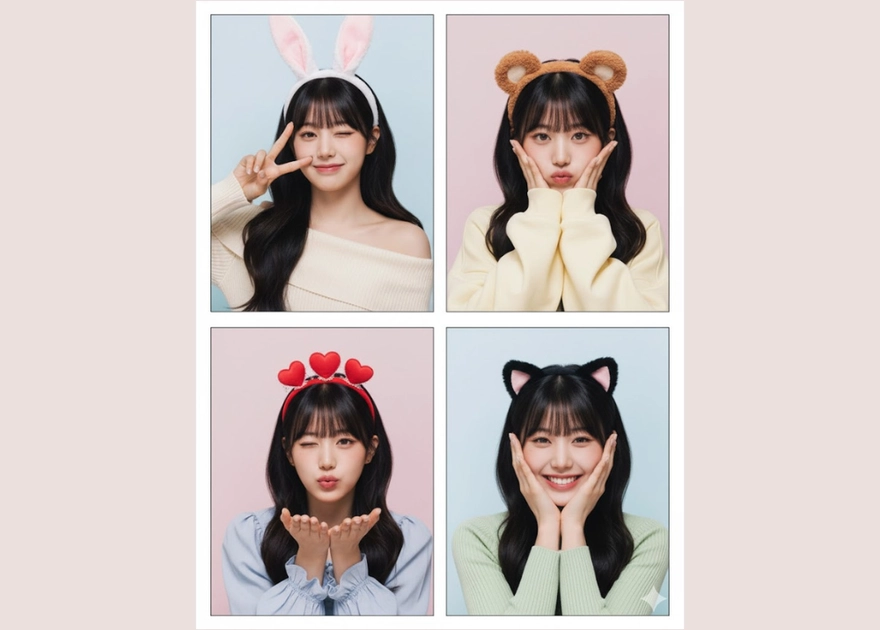
Keep the face exactly the same as the original image. Create a 4-frame photobooth strip inspired by a 90s retro style, with white borders, film grain texture, flash lighting, and warm tones.
Expressions: light smile – wink – wide smile showing teeth – confident straight look.
Cute Korean-Style Photobooth Prompt
Prompt for female:
Create a vertical photobooth strip with 6 frames in a cute Korean pastel style, light pink background, bright lighting, and adorable decorative stickers.
Expressions include: wink with finger heart, tilted head smile, waving hello, puckered lips, and other playful poses.
Prompt for male:
Create a 6-frame photobooth strip in Korean pastel style with a light blue background. The image should be sharp and include subtle stickers while maintaining a masculine look.
Expressions: tilted head pose, hand covering mouth, hand behind head, gentle smile, and other natural poses.
Monochrome Photobooth Style Prompt
Prompt for female:
Create a vertical 4-frame photobooth strip in black and white style with soft lighting and a nostalgic cinematic atmosphere.
Expressions: looking straight – blowing a kiss – winking – bright smile.
Prompt for male:
Create a monochrome 90s-style photobooth strip with soft lighting and a minimalist masculine look.
Expressions using sunglasses: placed on hair – lowering the glasses – pulling the glasses down while looking directly at the camera.
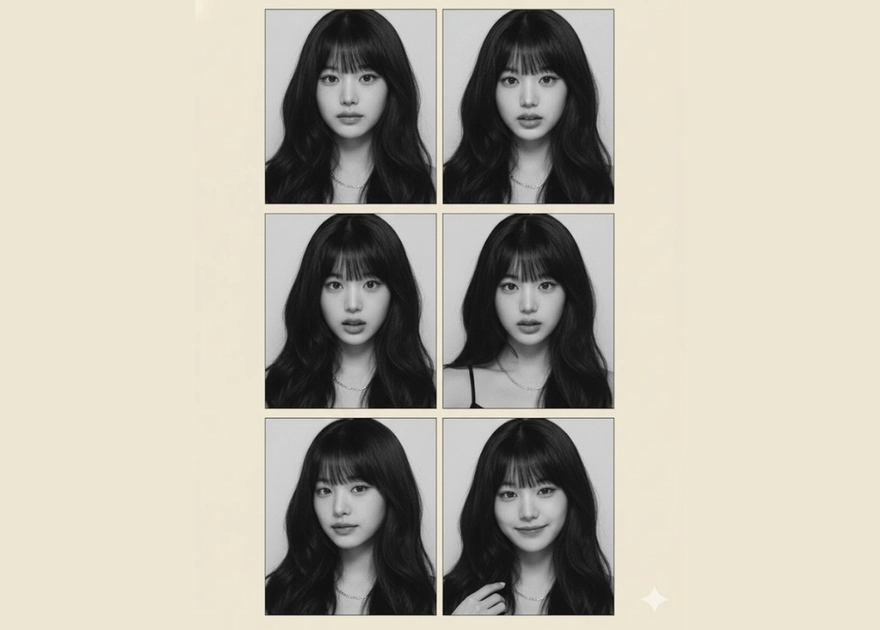
Step-by-Step Guide to Create Photobooth Photos with AI
Follow these simple steps to generate your AI photobooth images:
Step 1: Open https://gemini.google.com/ in your browser.
Step 2: In the chat interface, select Adjust → Create Image.
Step 3: Click Add file → Upload image → Select your selfie.
Step 4: Paste your chosen prompt and press OK to generate the image.
Within seconds, Gemini will create a photobooth-style image strip with the layout and style you requested.
Final Thoughts
With Google Gemini, creating photobooth photos using AI is now simple, free, and incredibly fast. All you need is a selfie and the right prompt to generate trendy photobooth images without visiting a studio.
Try it today and capture fun, stylish moments in your own unique way.
 Buy Gemini now with best price HERE